
Mode control
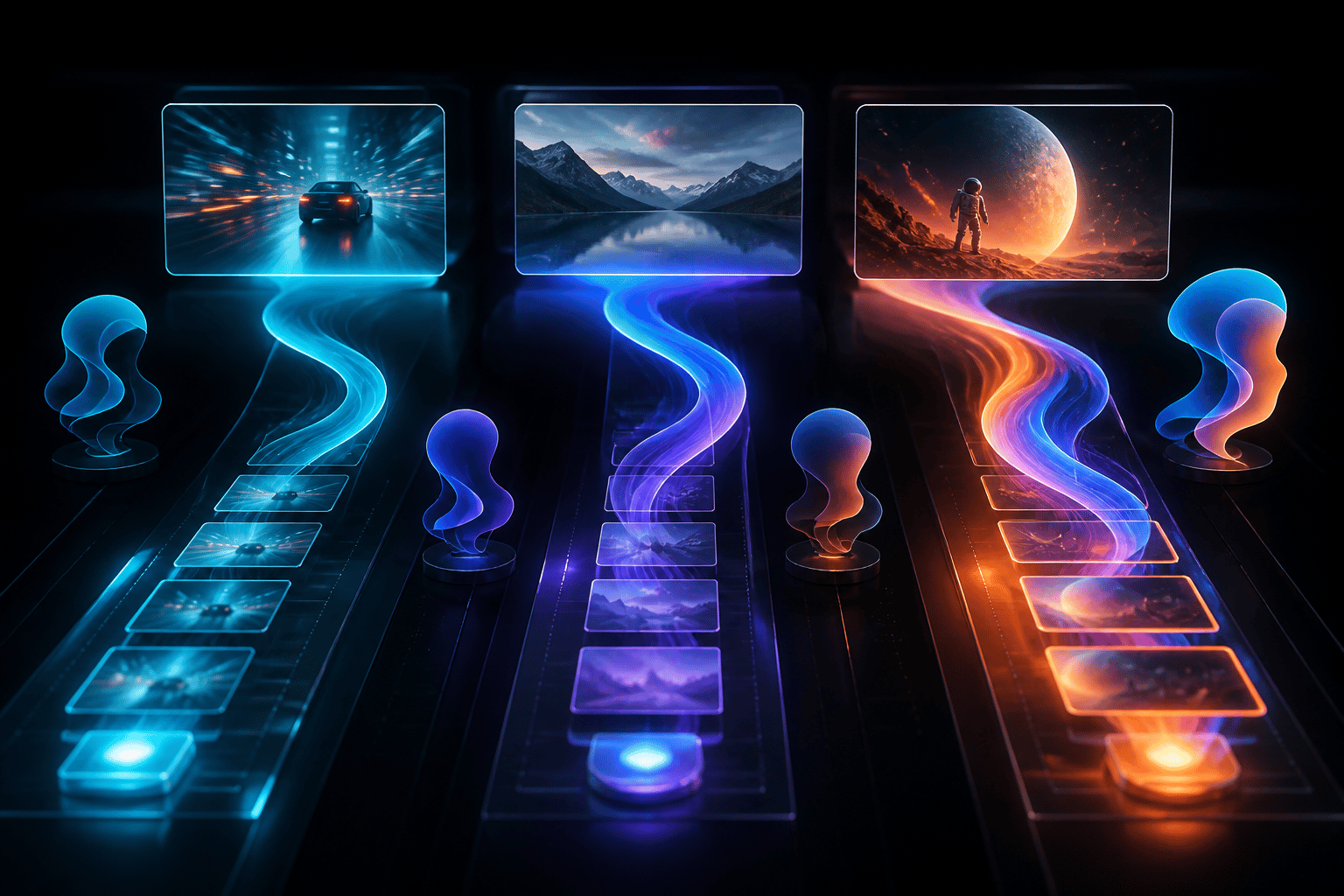
Pick the render lane that matches the idea.
Relvio uses clear generation modes so users can understand how long a clip will run and how many diamonds the selected mode uses before starting a creation.
Base cost100
diamonds for Pro, the standard listed mode.
Longest public mode8s
available in Ultra for a longer high-resolution clip.
Input stylesText + image
use a prompt alone or guide the result with a selected photo.
Mode
Duration
Cost
Best use
Pro
540p output for practical everyday generation.
6 seconds
100 diamonds
Controlled drafts, social clips, prompt exploration, and dependable image-to-video tests.
Max
720p output with a longer scene window.
7 seconds
150 diamonds
More detailed motion, product scenes, creator posts, and clips that need extra clarity.
Ultra
1080p output, the highest listed Relvio mode.
8 seconds
200 diamonds
Polished short clips, presentation-ready drafts, and scenes where resolution matters most.
Creation guidance
Describe camera movement, subject, and atmosphere in one prompt.
A useful prompt often names the subject, shot type, lighting, movement, and mood. For image-to-video, upload only content that you have the right to use and want Relvio to process for the requested clip.
See diamond plans